Publishing
npx seemore build # static export to dist/ for any hostThe result is a dist/ folder of plain web files. Drop it on Netlify, Surge, Cloudflare Pages or GitHub Pages, or hand it to any web host. Every page is a separate index.html, next to a 404.html that every static host reads. seemore also writes the files each host needs: _redirects for Netlify and Cloudflare Pages, 200.html for Surge, .nojekyll for GitHub Pages.
Tip
Do you publish to GitHub Pages at username.github.io/my-repo/, not at the root? Set the subpath once with base: '/my-repo/' (or --base /my-repo/ on the CLI).
Sitemap
A sitemap lists absolute URLs, so seemore needs the address the site is served from. Set url to the origin and seemore build writes sitemap.xml into dist/, with one entry per page under your base:
// seemore.config.ts
export default {
  url: 'https://username.github.io',
  base: '/my-repo/',
};
Without url, nothing is written. A password-protected site never gets a sitemap, since the file would list every page address. Submit the file in your search engine's webmaster tools; seemore does not write a robots.txt.
This site is built the same way. See its seemore.config.ts and the features page for what publishing gives you by default.
Password protection
Protect a whole site with one shared password. No server or account is needed. Turn it on in
seemore.config.ts:
// seemore.config.ts
export default {
  title: 'Acme Handbook',
  auth: true,
};
Keep the password out of the config file. seemore build reads it from the SEEMORE_PASSWORD
environment variable. The build fails if the variable is missing:
SEEMORE_PASSWORD='a-long-passphrase' npx seemore buildOn Windows PowerShell:
$env:SEEMORE_PASSWORD='a-long-passphrase'; npx seemore build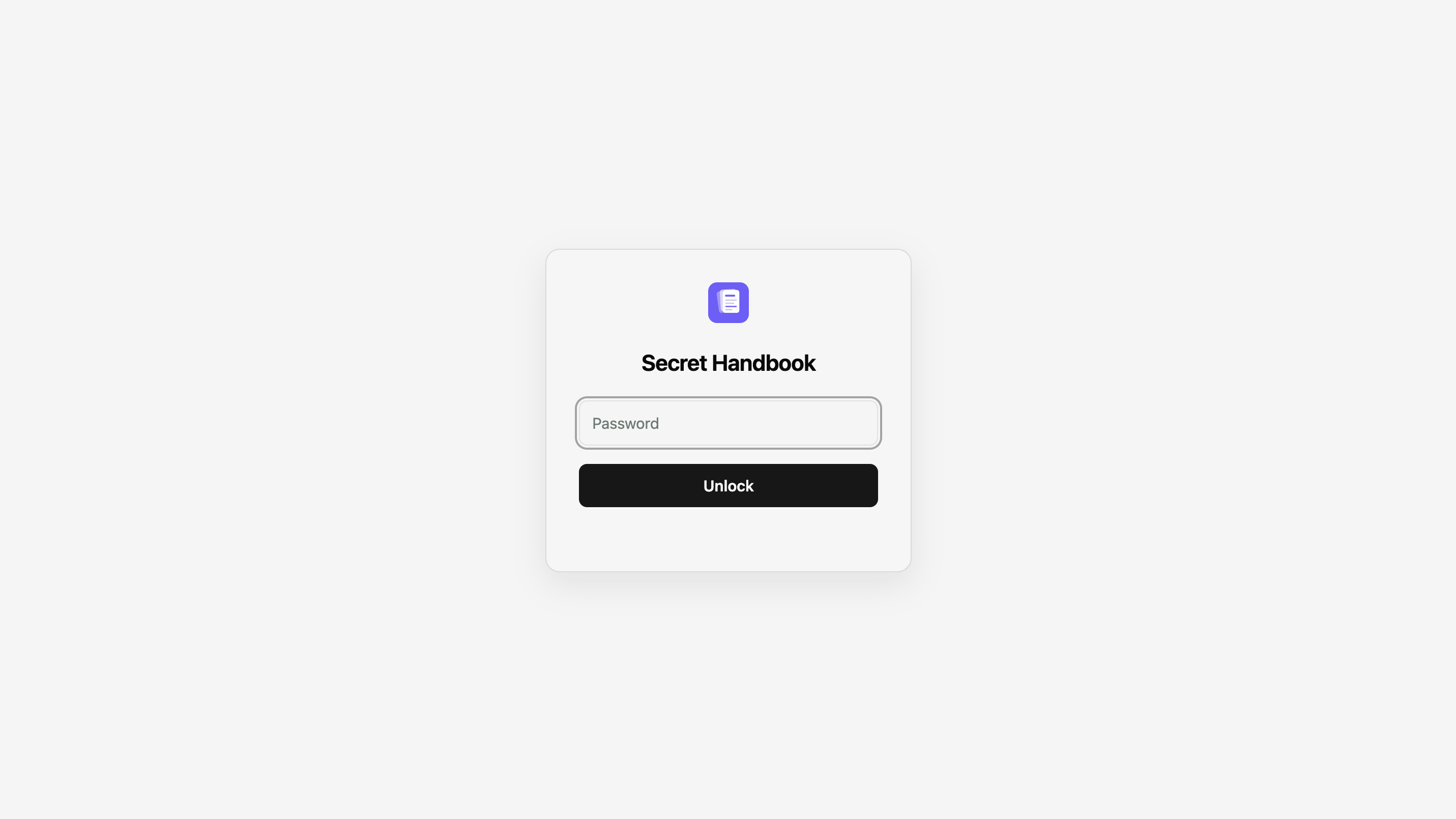
The build encrypts the site content and search index. The output is still a plain dist/ folder that
you can deploy to any of the hosts above.
Staying unlocked
remember sets how long a visitor stays unlocked after their last visit. The default is one day:
auth: { remember: '12h' }  // hours
auth: { remember: '7d' }   // days
Renaming the site logs everyone out once. To avoid that, set a stable id. Changing id logs everyone
out, just like changing the password:
auth: { id: 'acme-handbook' }Note
Password protection works only for seemore build. To try the lock screen, build with the password and serve
dist/ on localhost, for example with npx serve dist (build with --base / if the site sets base).